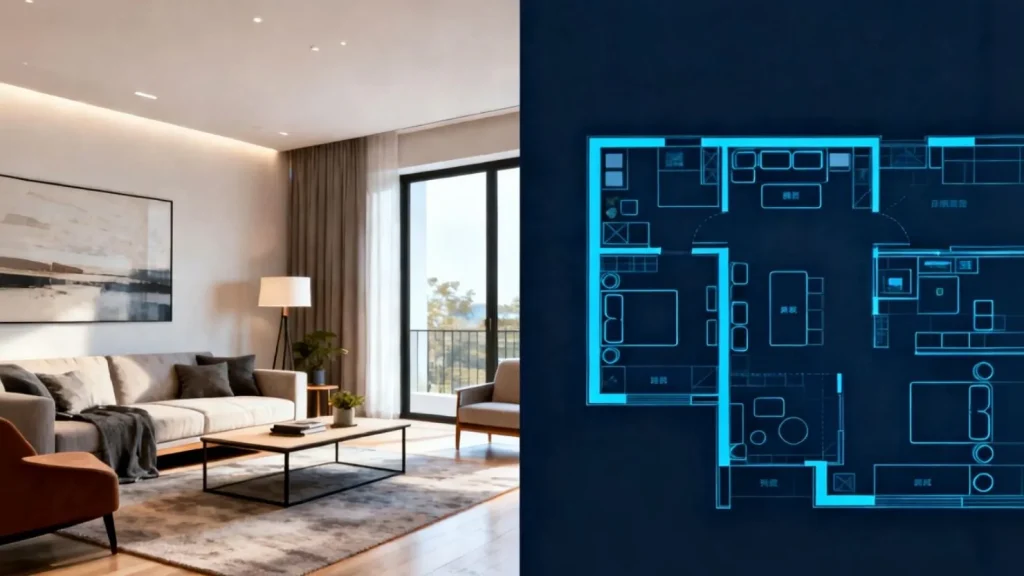
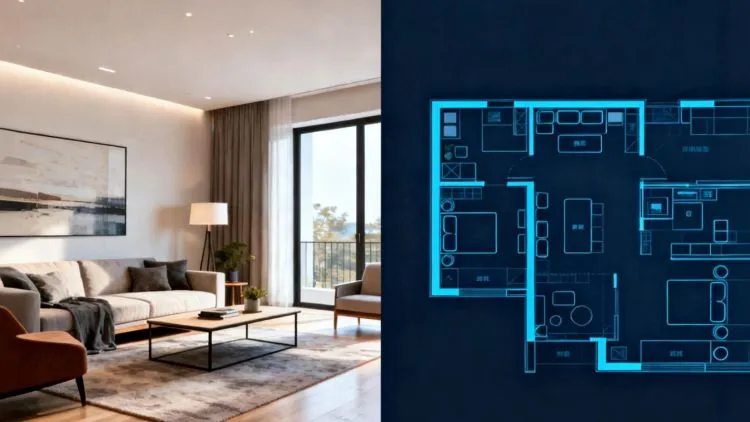
AI has transformed the world of interior design and space planning. AI tools are also helping to make design quicker, smarter, and more usable, whether it is a simple room that has to be converted into a professional-looking design or a specific architectural floor plan. AI Room Design and AI Floors Plan Generator are considered to be two of the most popular solutions to this space.
Although both are meant to simplify the design process, they have slightly different purposes and serve different needs. We are going to discuss their peculiarities, procedures, and advantages in this article to choose an appropriate tool that perfectly fits your home, office, or project.
Getting to Know the Two AI Tools
AI Room Design: Turning Room Photos into Fresh Design Ideas
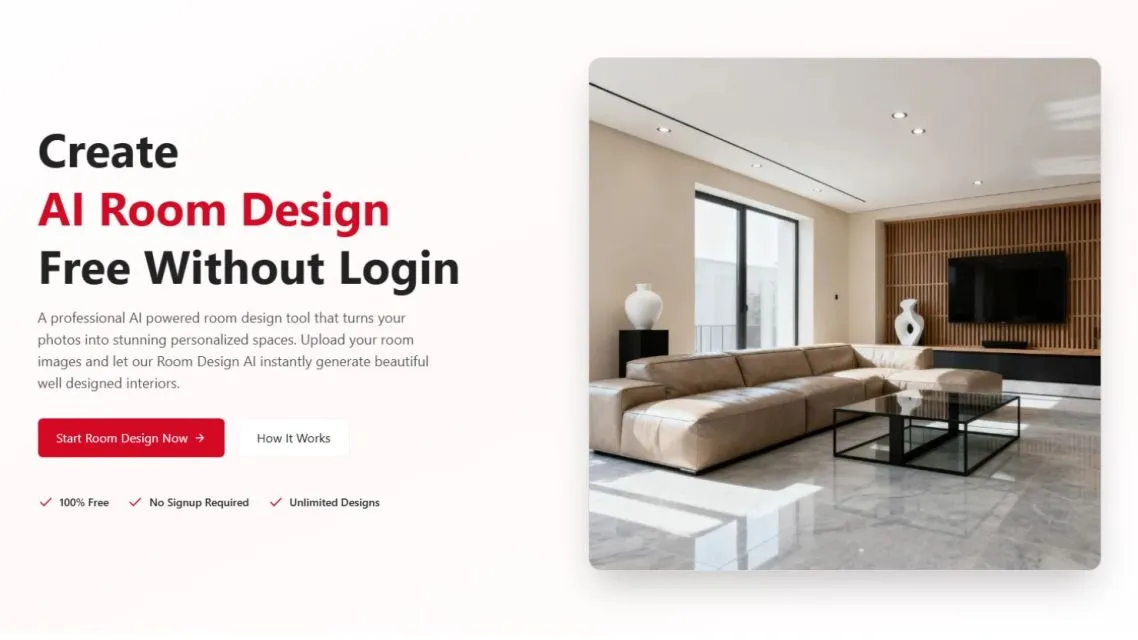
AI Room Design enables the user to transform pictures of their rooms into a professionally designed room within minutes. The AI can recognize walls, furniture, windows, and lighting by simply uploading a simple image and provides you with several variants of designs depending on your preferences.
Choose between over 25 professional styles, including Scandinavian, Industrial, Minimalist, or Japandi, and it is not hard to imagine a full makeover even without spending a penny. The tool is an ideal choice when the homeowner, real estate professionals, and interior designers have to discover design ideas in a short time. You are able to test furniture, colors, textures, and lighting without the need to employ any design skills.
AI Floor Plan Generator: Building Smarter Layouts with Less Effort
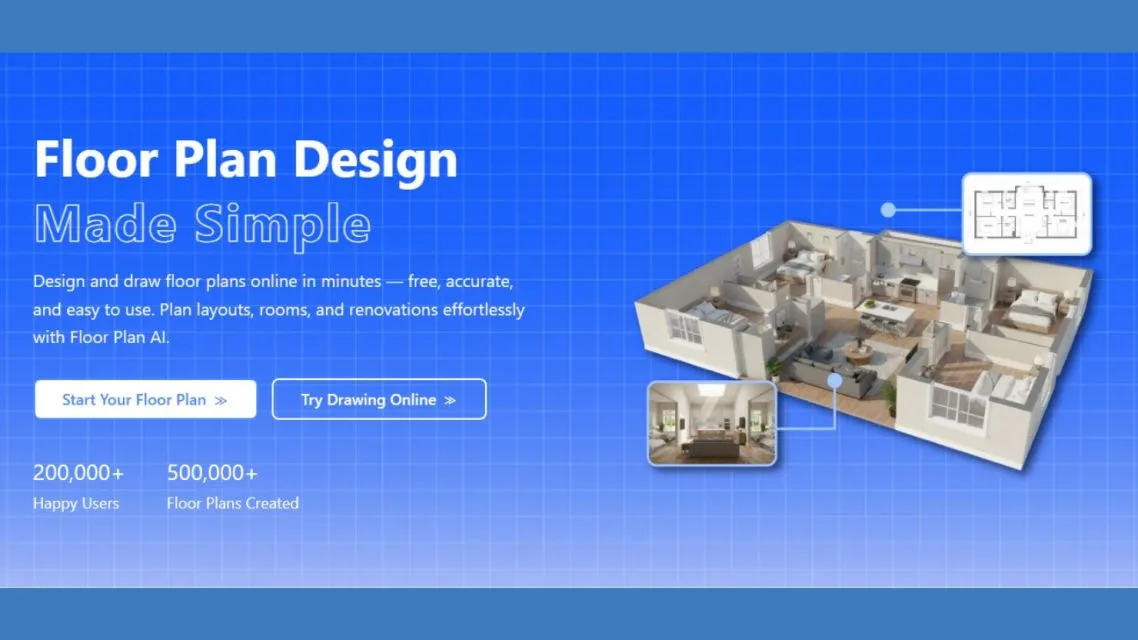
The AI Floor Plan Generator is also concerned with space planning and layout generation, which is in contrast to room design. The AI creates professionally scaled floor plans, which become editable and accurate, by entering room dimensions, number of rooms, and layout preferences.
Such plans may be in 2D, 2.5D, or 3D perspective and are very suitable for architects, interior designers, and planners. You are able to plan efficient layouts, optimize the placement of the rooms, and even share plans with other collaborators with this tool. It makes all the square meters useful, and this saves time in renovations or new buildings.
Stepwise Procedure for the Usage of Both Tools
How to Use AI Room Design for Quick Interior Makeovers
- Post Your Room Photo: Take a good picture of your room. The AI will identify structural aspects without human intervention.
- Select the Design Style: Choose between more than 25 professional design styles.
- Create Design Alternatives: AI creates a number of variants, such as furniture, colors, and lighting settings.
- Personalize Your Favorites: Minor modifications such as moving furniture around or altering textures.
- Download or Share: Download high-resolution renders to use on the personal level, in a presentation to the client, or on social media.
How to Use an AI Floor Plan Generator for Better Space Planning
- Room Dimensions: Take measurements and room count.
- Choose Layout Preferences: Choose how the room will be placed, the look of the blueprint, and the type of floor plan (2D or 3D).
- Create the Floor Plan: The AI immediately creates a scaled professional plan.
- Edit and Adjust: Adjust walls, add windows/doors, and adjust in real-time.
- Export and Share: Get your blueprint or share it online.
These processes allow you to visualize your space and, at the same time, plan your layout in a practical way, making the design workflow smooth between the idea and the actual implementation.
Why AI Design Tools Are Useful for Homes and Workspaces
Time Saving
Both AI Room Design and Floor Plan Generator will save millions of hours in time compared to using traditional design techniques or blueprints.
No Professional Skills Required
You do not have to be an interior designer or architect in order to produce beautiful images or proper layouts. One can turn a space or create floor plans that appear professional and precise with a couple of clicks.
Cost-Effective
There is no need to recruit several professionals to sit around and test theory or make minor adjustments. Artificial intelligence offers low-cost alternatives with quality results.
Creative Freedom
AI Room Design enables the user to immediately experiment with a variety of styles, textures, colors, and combinations of decorations. You are able to experiment with radical or unorthodox concepts without taking a monetary risk.
Precision and Reality
The AI Floor Plan Generator will also make sure that your room sizes, wall positions, and layout are accurately calculated, which will save you money by avoiding expensive mistakes when renovating.
Which AI Tool Fits Your Design Needs Best?
The decision between AI Room Design and AI Floor Plan Generator is based on the main purpose. Transforming the pictures visually and the styling to make your ideas come true, AI Room Design offers instant, photorealistic effects.
To plan the functional space and accurate layouts, the AI Floor Plan Generator makes sure that each square meter is used efficiently and effectively. Knowing their features, processes, and advantages, you can choose which tool fits into the needs, or both tools can be used together to achieve a holistic approach.
Artikel Bermanfaat dan Menghibur Lainnya

Tim Dalam Artikel Ini
Penulis
Penikmat puisi dan penggemar bakwan kawi yang rasanya cuma kanji.